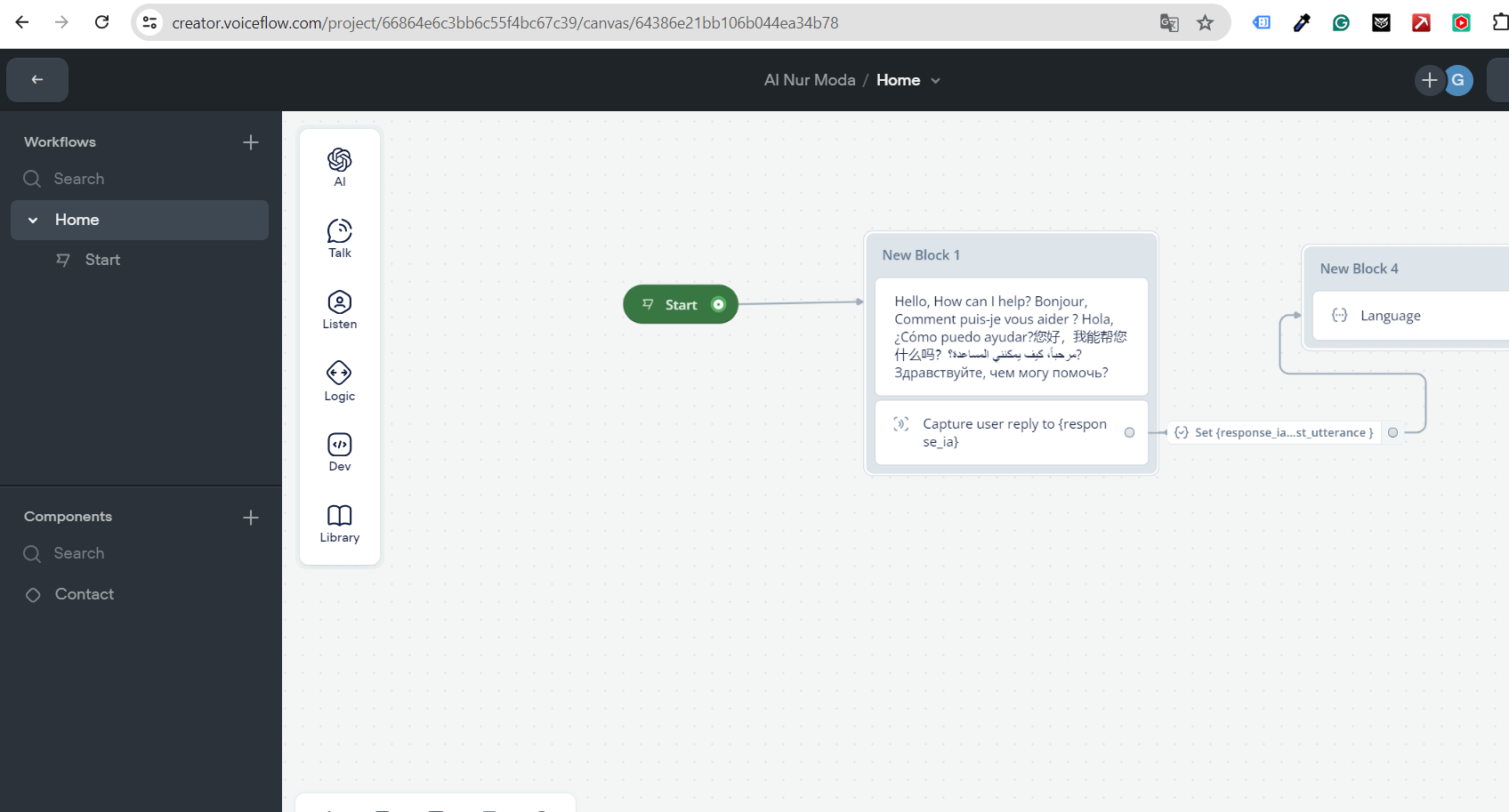
Where are the "Topic" section?
I am following a video tutorial on youtube made 10 months ago. The dashboard is not the same. I can't find the "topics" section. When I ask Voiceflow AI agent, it replies :
1.Open your assistant project in Voiceflow.
2. Access the Layers menu on the left side of the screen.
3. Click on the "Topics" tab within the Layers menu.
But there is not any Topic menu on left side (see screenshot)
1.Open your assistant project in Voiceflow.
2. Access the Layers menu on the left side of the screen.
3. Click on the "Topics" tab within the Layers menu.
But there is not any Topic menu on left side (see screenshot)