
Bug - Functions stop working in UI after some time
❓Functions
Hi all,
On a test workflow that I just created, functions run perfectly - but on one that I'm actually working on, I can't get them to run at all.
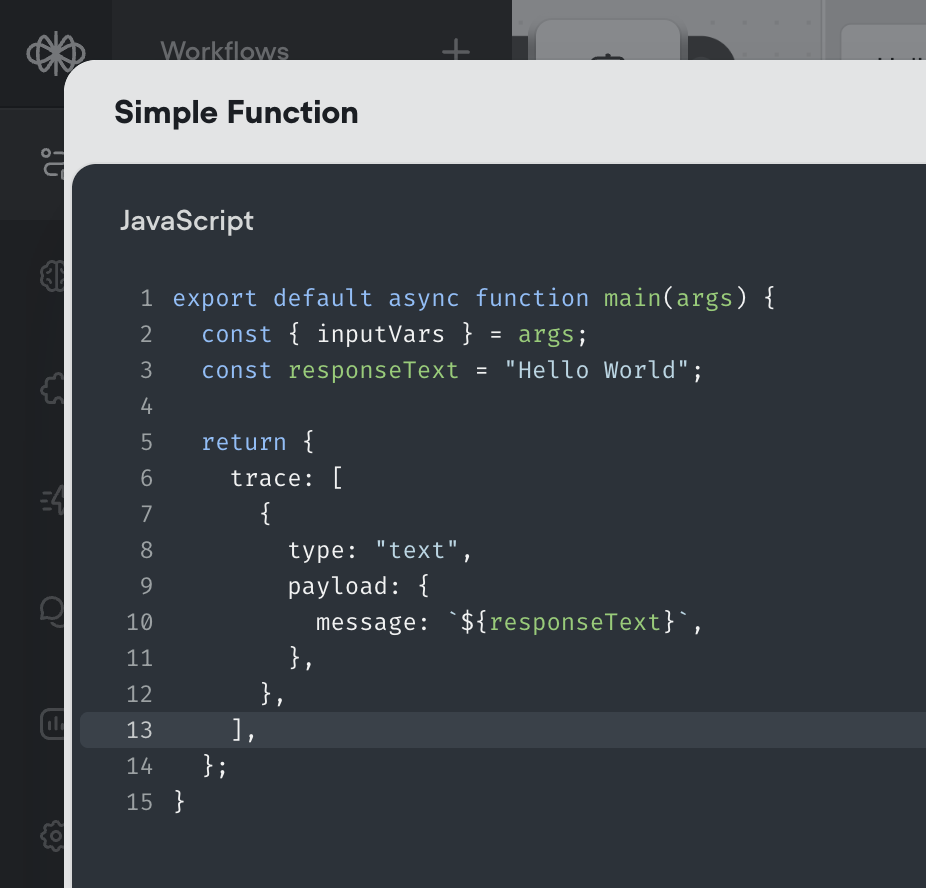
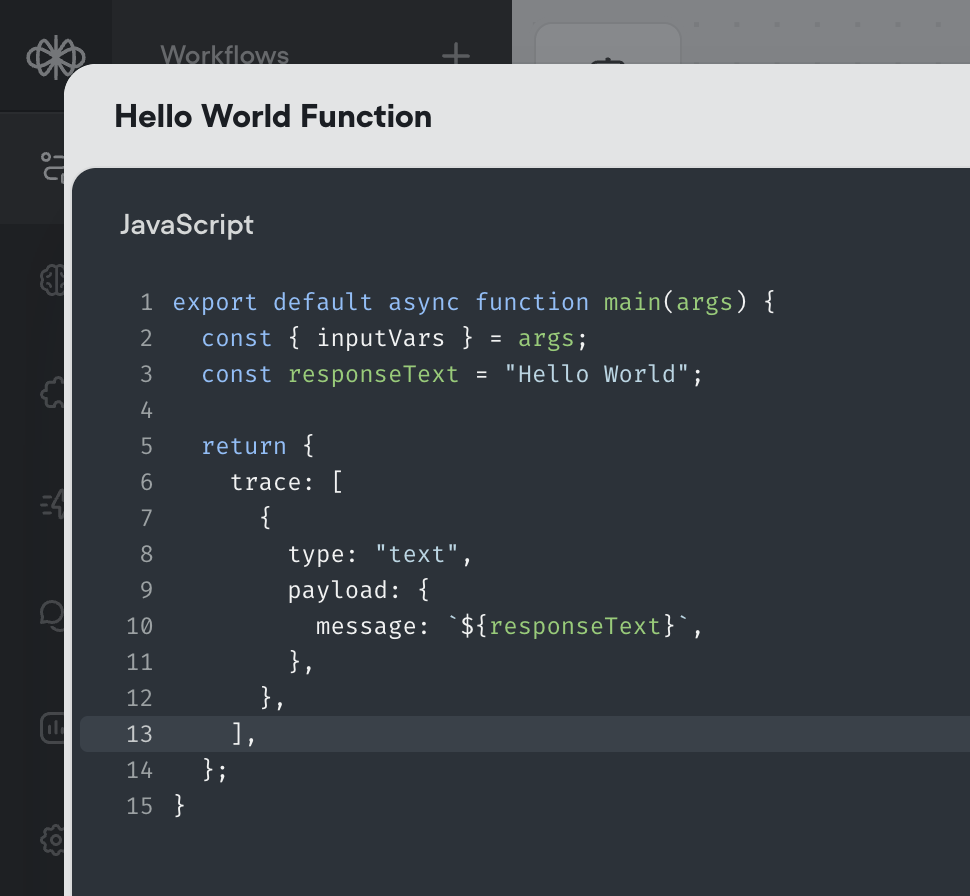
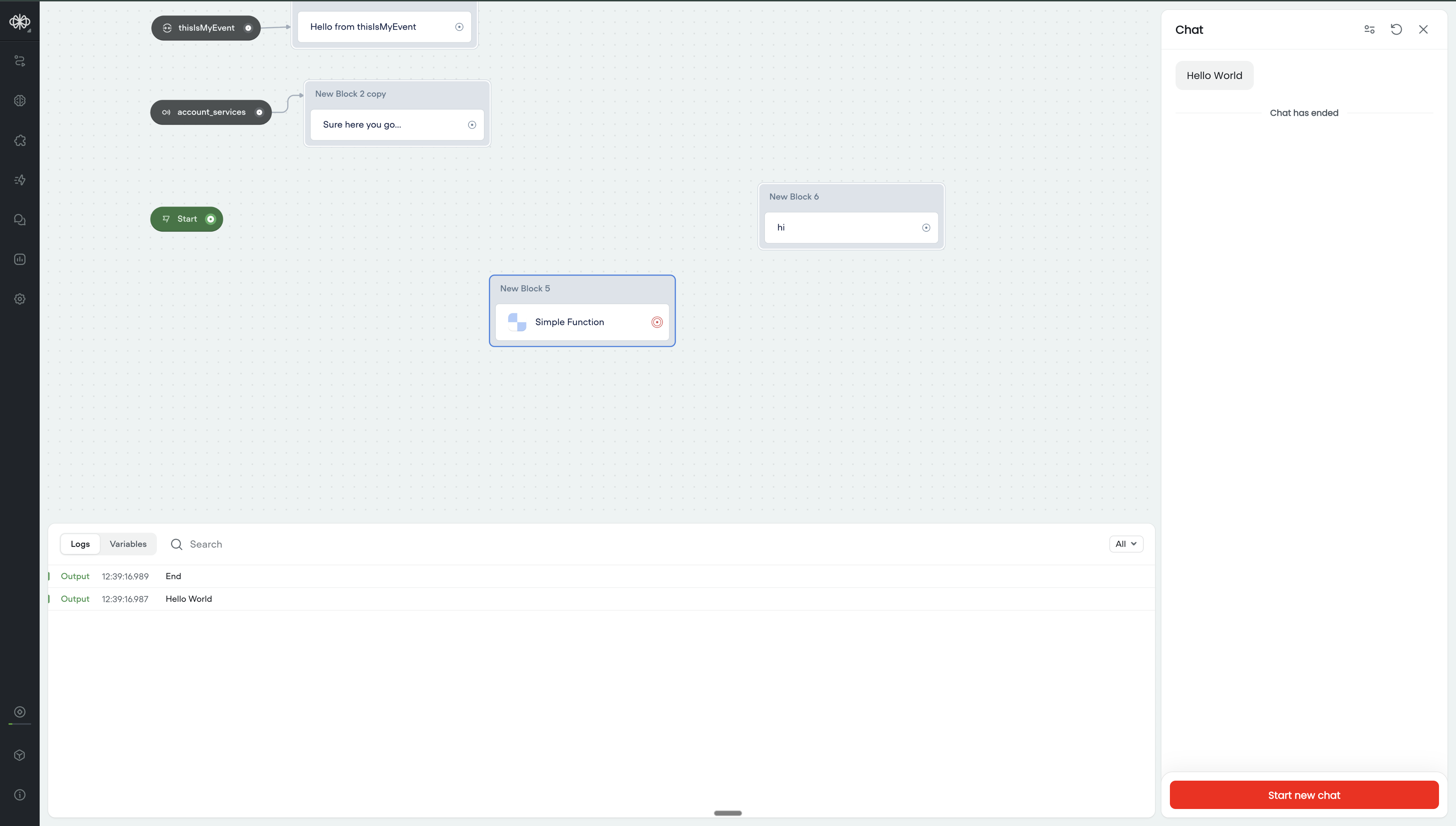
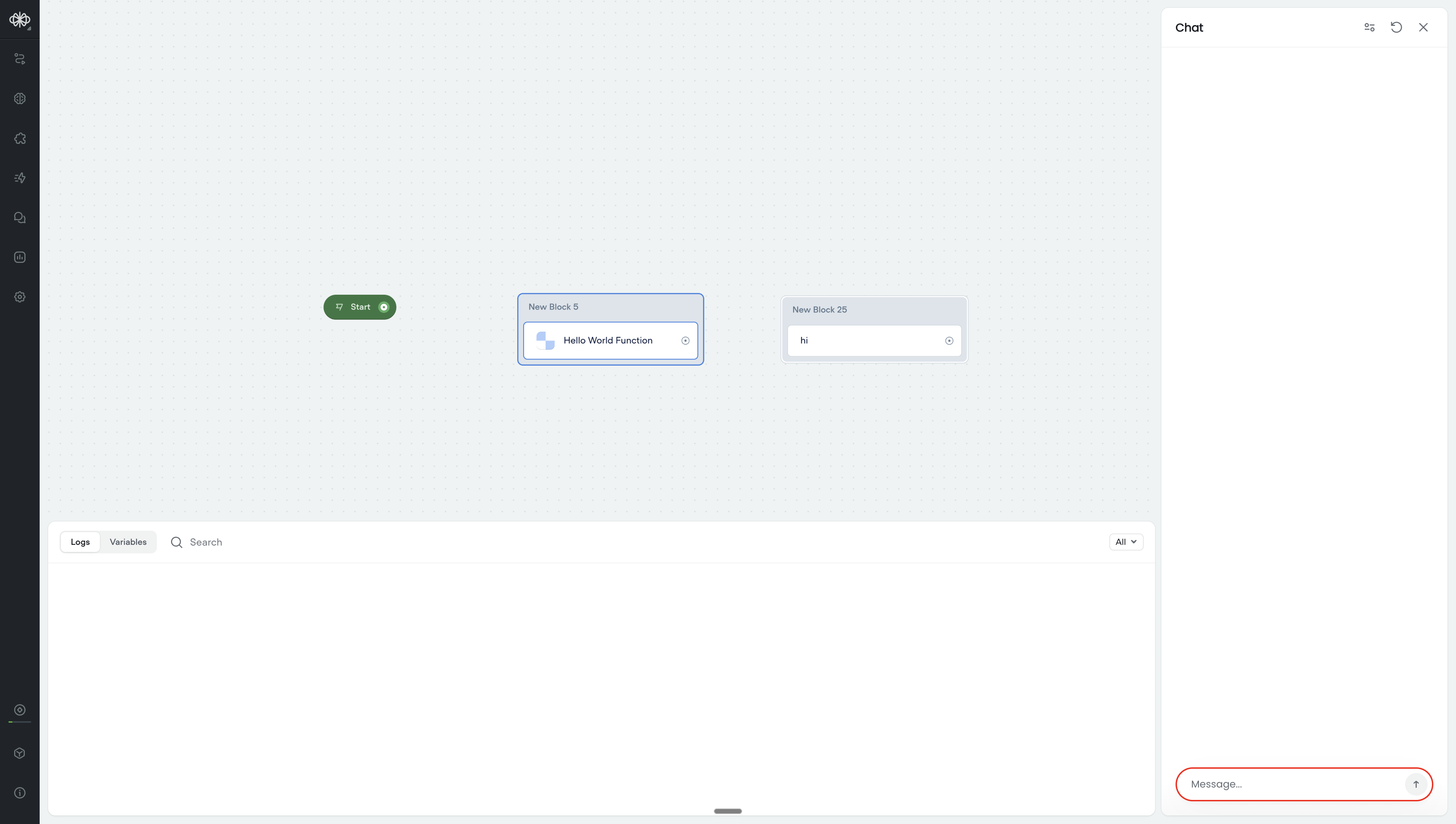
You can see in the screenshot they're using exactly the same code, but when I run the one on the test project, it actually returns "Hello World", but on my main project, it doesn't return anything and just gets stuck.
Anyone seen this happen before?
On a test workflow that I just created, functions run perfectly - but on one that I'm actually working on, I can't get them to run at all.
You can see in the screenshot they're using exactly the same code, but when I run the one on the test project, it actually returns "Hello World", but on my main project, it doesn't return anything and just gets stuck.
Anyone seen this happen before?

Exclusive community for Voiceflow Solutions Providers & Content Creators.
13,076Members
Resources
Recent Announcements
Similar Threads
Was this page helpful?



