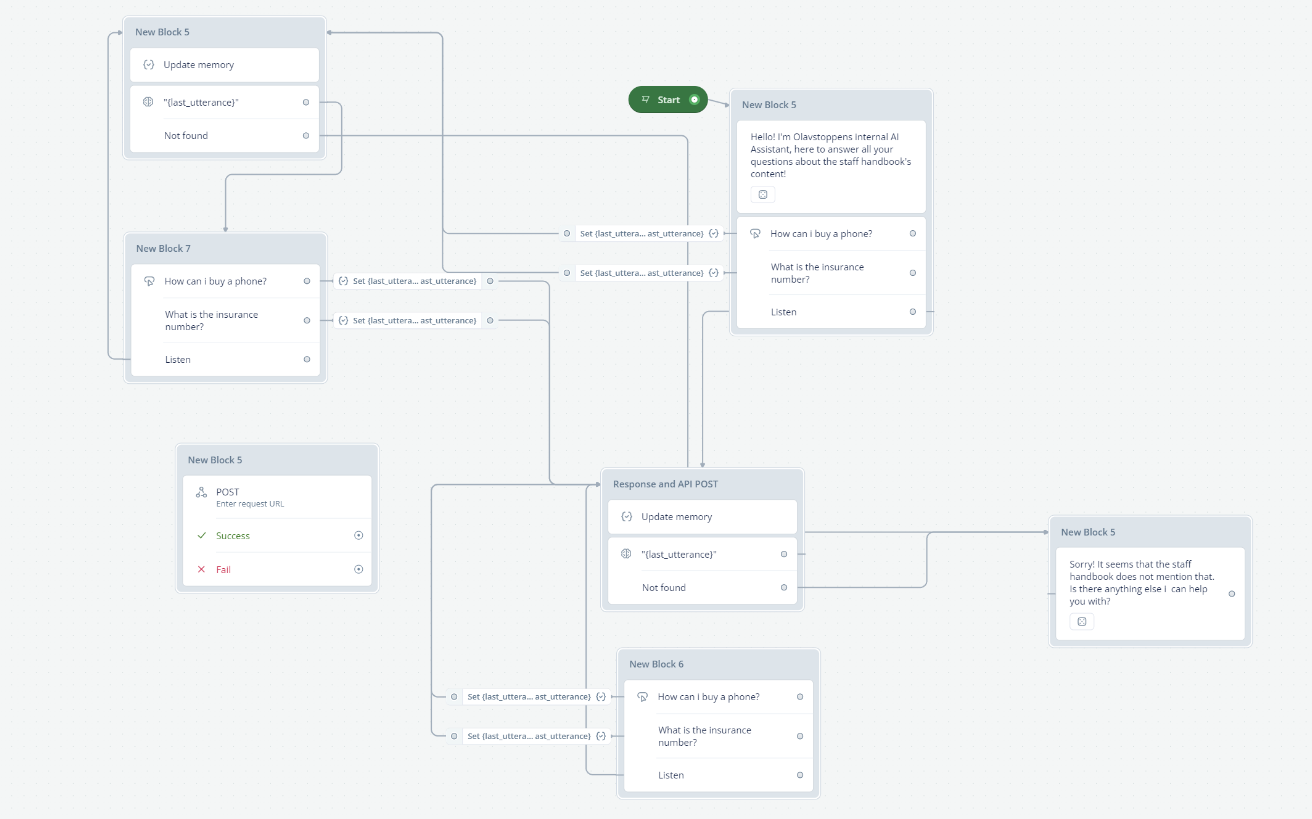
In Voiceflow, you can use the POST API in the API block. Here's how you can do it:
Drag and drop the API block onto your canvas.
In the API block, select 'POST' from the dropdown menu of request types.
Enter the endpoint URL in the 'Endpoint' field. This is the URL that points to your API.
If your API requires additional information like Usernames, Passwords, or Authentication tokens, you can add them in the 'Headers, Body, and Params' section.
After making the API call, you will receive back a JSON object. You can save some of the information you got back onto Voiceflow using the 'Capture Response' section. Simply copy the object path or key, and paste it into the text box. Then select a variable that you would like to save to/apply to. A path always begins with "response" followed with the path you want to map.
You can test your API call by clicking on the 'Send/Test Request' button. If it succeeds, you will see a message saying "Success".
Remember, the POST request is used to create information in your data source. So, you would use it when you want to send data from your Voiceflow project to another source.
What exactly do you want to do? I understood that you want to send the user's utterance AND the response of the bot to your API. To do that, you FIRST have to use the "Set AI" step to get the response. After that you place the API step and send "last_utterance" and the answer to the API endpoint.
The Set AI step should have a prompt to answer the user's question; therefore you need to include {last_utterance} in there. You then store the AI's answer into a variable like "last_answer" and then you can send both "last_utterance" and "last_answer" to your external endpoint.